Fast delivery within 72 Hours

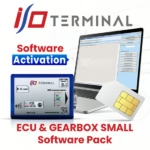
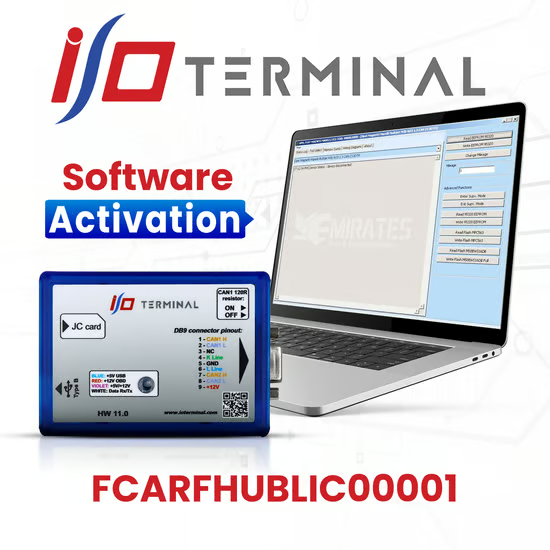
I/O Terminal Multi Tool FCARFHUBLIC00001 Activation

853,00 د.إ

  • Connect the Multi Tool – Make sure your I/O Terminal Multi Tool device is powered on and connected to your PC via USB or the OBD cable if required.
  • Open the Activation Software – Launch the official I/O Terminal Multi Tool activation utility. This is usually installed alongside the device software.
  • Enter the Activation Code – In the software, locate the field for license or activation key. Enter FCARFHUBLIC00001 exactly as given.
  • Select the Software Pack – Some activations require you to select which software pack you want to enable (e.g., ECU & Gearbox, BSI/BCM, Full Pack). Make sure the pack matches your intended usage.
  • Confirm and Activate – Click the activate or submit button. The software should validate the code online and unlock the tool’s features.

Shipping & Delivery

  • Courier delivery

Our courier will deliver to the specified address

2-3 Days

From $20

  • DHL Courier delivery

DHL courier will deliver to the specified address

2-3 Days

From $40

  • Warranty 1 year
  • Free 30-Day returns

Specification

Overview

Processor

Display

RAM

Storage

Video Card

Connectivity

Features

Battery

General

Description

Customer Reviews

0 reviews
0
0
0
0
0

There are no reviews yet.

Be the first to review “I/O Terminal Multi Tool FCARFHUBLIC00001 Activation”

Your email address will not be published. Required fields are marked *