Home » Shop » Launch X-431 Creader Professional 919 MAX Diagnostic Tool

Fast delivery within 72 Hours

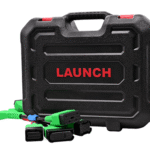
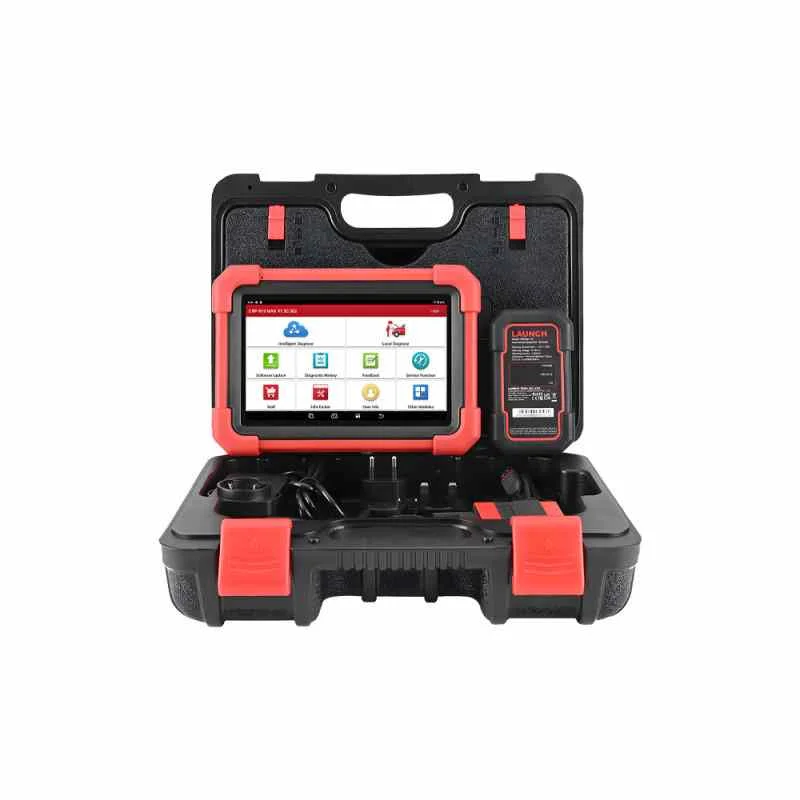
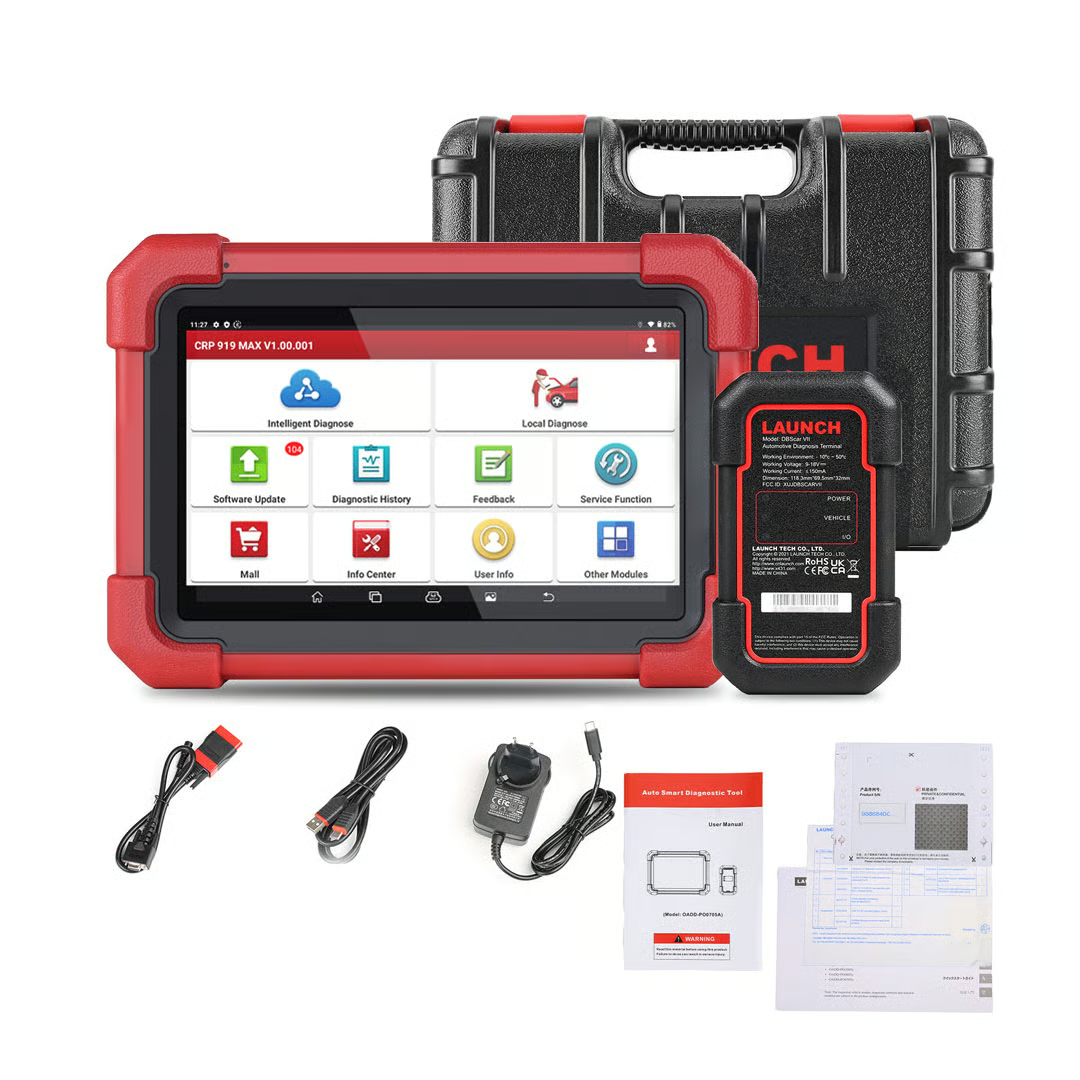
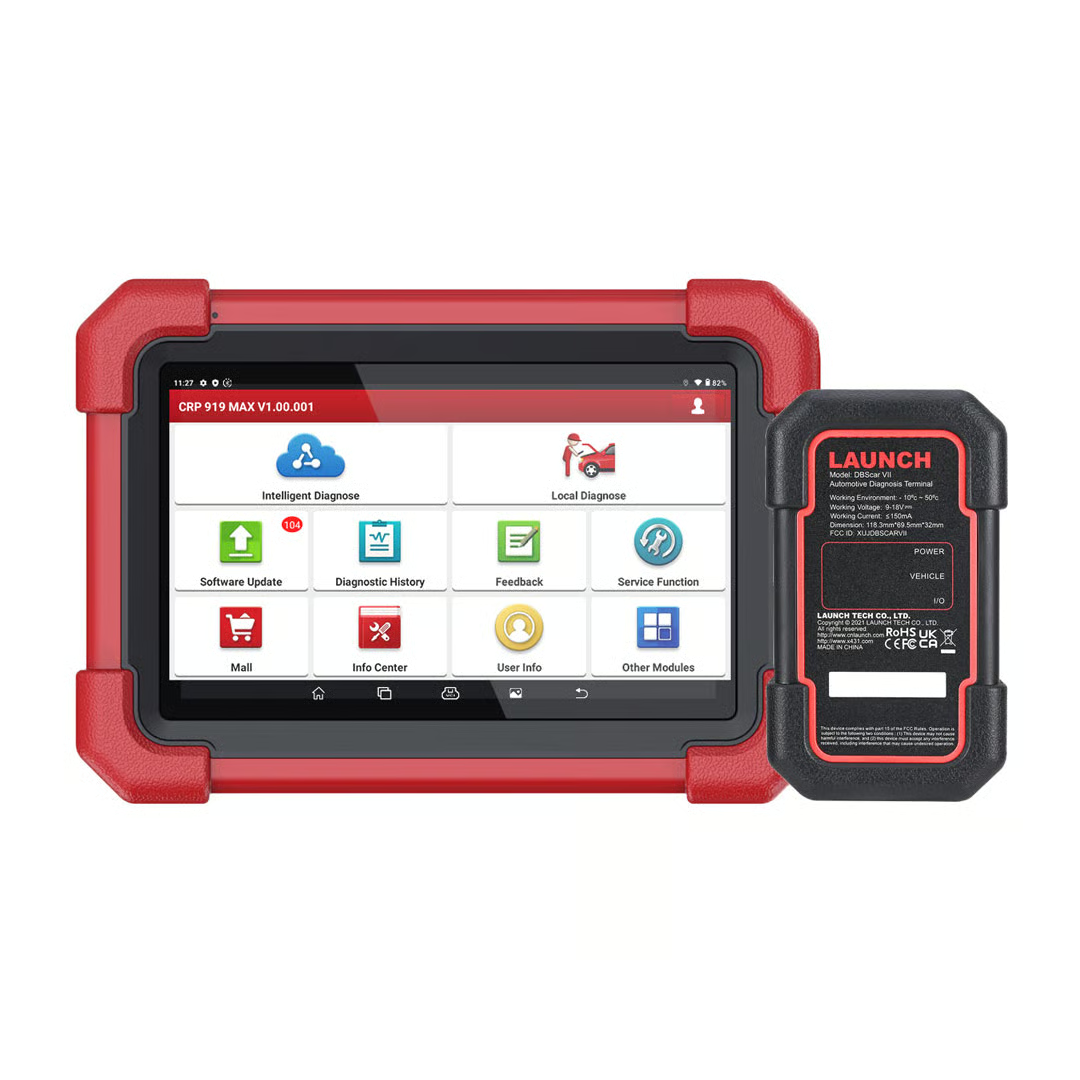
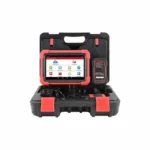
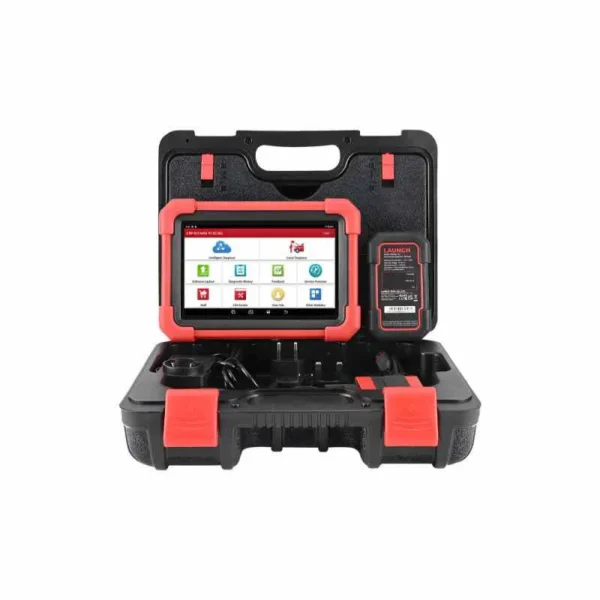
Launch X-431 Creader Professional 919 MAX Diagnostic Tool

2.200,00 د.إ

Power On the Device

  • Make sure the tool’s internal battery is charged.

  • Press and hold the Power / ON button for a few seconds until the screen lights up. This powers on the Android‑based tablet interface built into the unit.

 2. Connect to the Vehicle

  • Locate the vehicle’s OBD‑II diagnostic port, usually under the driver’s side dashboard.

  • Plug the tool’s main diagnostic cable (DB15/OBD connector) into that port.

  • Turn the vehicle’s ignition to ON (engine running or key in ON position so electronics are active).

    After Diagnostics

    • Turn off the ignition, unplug the diagnostic cable from the vehicle, then power off the device by holding the Power button again.

Shipping & Delivery

  • Courier delivery

Our courier will deliver to the specified address

2-3 Days

From $20

  • DHL Courier delivery

DHL courier will deliver to the specified address

2-3 Days

From $40

  • Warranty 1 year
  • Free 30-Day returns

Specification

Overview

Processor

Display

RAM

Storage

Video Card

Connectivity

Features

Battery

General

Description

Customer Reviews

0 reviews
0
0
0
0
0

There are no reviews yet.

Be the first to review “Launch X-431 Creader Professional 919 MAX Diagnostic Tool”

Your email address will not be published. Required fields are marked *