Fast delivery within 72 Hours

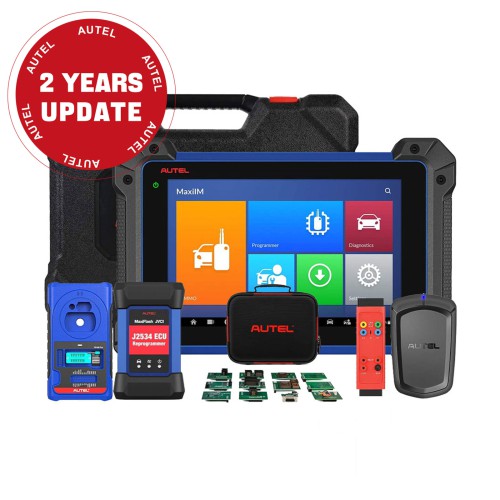
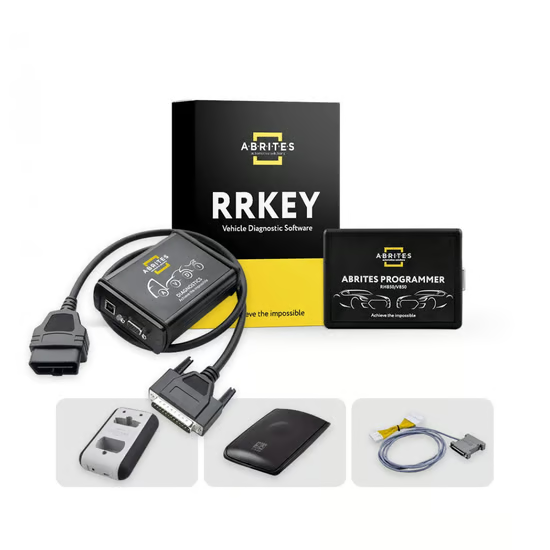
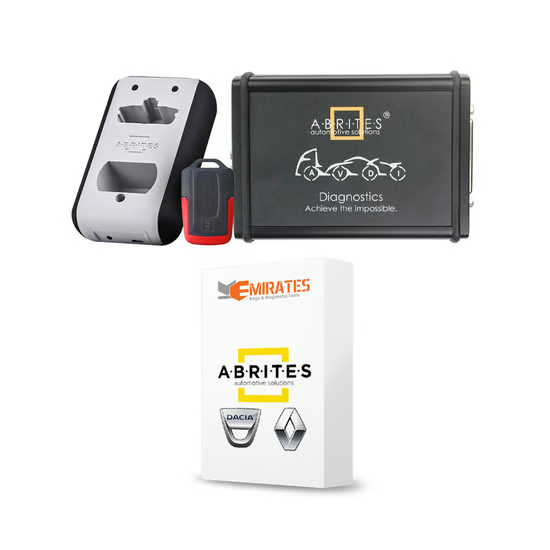
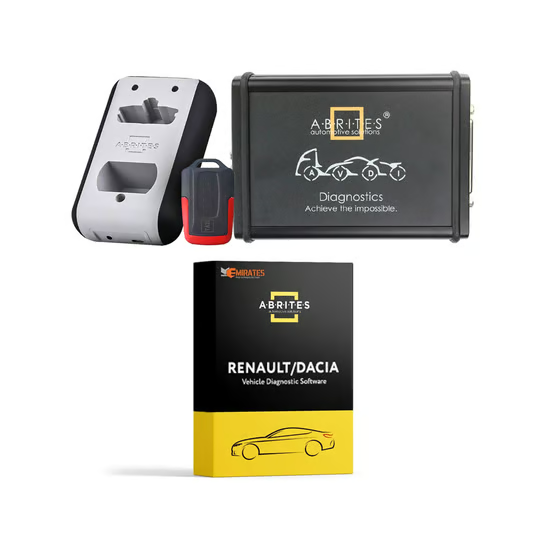
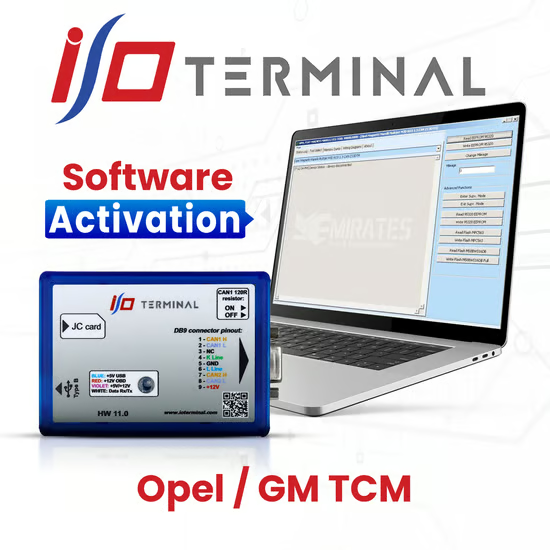
I/O Terminal Multi Tool Opel/GM TCM Activation

1.368,00 د.إ

Preparation

  • Device: I/O Terminal Multi Tool
  • Cable: OBD II connector compatible with Opel/GM vehicles
  • Vehicle: Ensure the car’s battery is fully charged (>12.4V) to avoid power interruptions.
  • Backup: Always make a backup of your TCM and ECU data if the tool supports it.

2. Connect the Tool

  1. Plug the OBD cable from the Multi Tool into the vehicle’s OBD II port.
  2. Connect the Multi Tool to your PC or tablet if needed (depending on your software version).
  3. Turn the ignition to ON (do not start the engine).

3. Launch the Multi Tool Software

  1. Open the I/O Terminal Multi Tool application.
  2. Select Opel/GM as the manufacturer.
  3. Navigate to the TCM/Transmission module section.

Shipping & Delivery

  • Courier delivery

Our courier will deliver to the specified address

2-3 Days

From $20

  • DHL Courier delivery

DHL courier will deliver to the specified address

2-3 Days

From $40

  • Warranty 1 year
  • Free 30-Day returns

Specification

Overview

Processor

Display

RAM

Storage

Video Card

Connectivity

Features

Battery

General

Description

Customer Reviews

0 reviews
0
0
0
0
0

There are no reviews yet.

Be the first to review “I/O Terminal Multi Tool Opel/GM TCM Activation”

Your email address will not be published. Required fields are marked *